Who did what
“This project was developed with the help of an AI coding assistant ([Claude Code](https://claude.com/claude-code) by Anthropic).”
“The behaviour was checked against recorded data from…”
The project uses Claude Sonnet 5.5 for development and documentation, as evidenced by the co-author trailers in the commit history.
What was done
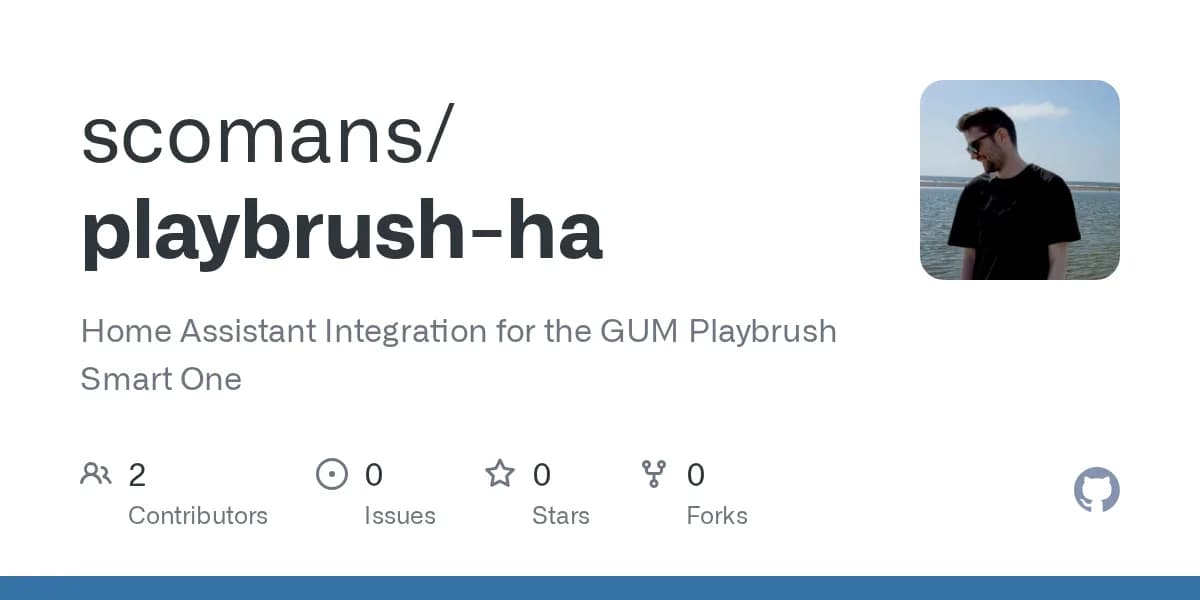
An unofficial Home Assistant integration for GUM Playbrush toothbrushes, reverse engineered to provide local sensor data including brushing time, pressure, position, and battery status without cloud dependencies.
The GUM Playbrush integration provides local Home Assistant support for smart toothbrushes by reverse engineering the Bluetooth Low Energy protocol. The author reports that the integration captures motor activity, contact pressure, coarse brush position, and battery status. It operates locally without cloud accounts or official app connectivity. The integration requires the Home Assistant Bluetooth component or an ESPHome Bluetooth proxy. The author developed the codebase, tests, and protocol analysis with the assistance of Claude Code by Anthropic, as documented in the project README and commit history. The author notes that the protocol analysis relies on inferences from a single brush model, PBAv3.4.0 with firmware 1.2.5. Limitations include the inability to communicate with the brush while it is charging, and battery percentage estimates derived from a single discharge run. The author states that pressure levels and position classes are rough approximations. The project includes tools for capturing traffic and unit tests that replay recorded sensor data. The author cautions that AI-generated code may contain errors and that protocol notes are not manufacturer-verified. See the project documentation at https://raw.githubusercontent.com/scomans/playbrush-ha/HEAD/README.md for further details.
Try it
Install via HACS by adding the repository https://github.com/scomans/playbrush-ha or manually copy the custom_components/gum folder to the Home Assistant configuration directory. Ensure the brush is awake by shaking it or activating the motor, then add the GUM integration via the Home Assistant UI.
Discussion
Sources
Sources reviewed · Added
An AI model drafted this entry from the sources above. Checked against the sources on 28 Nov 2026. The figures are the author's. How entries are checked. Something wrong? Tell me.