AI app reverse engineering: Android, iOS, Electron and desktop apps
App reverse engineering with AI means pointing a model at a packaged application and asking it to explain how a feature works or to recover source that was lost. The projects on this page cover Electron desktop apps, an Android system framework, a compiled iPhone app and a command line tool. Packaged apps are often easier than native binaries, because Android bytecode decompiles cleanly with tools like JADX or Apktool and Electron apps ship their JavaScript inside an asar archive. That gives the model readable, if obfuscated, code to work from. Agents such as Claude Code, Codex and OpenCode then trace calls across files, rename things and write a summary or a rebuilt module. Some authors recovered their own lost code. Others traced how a sandbox, clipboard or private endpoint works. Each entry links the original writeup or repo and lists the model, tools and outcome, including the parts the author says the model got wrong.
- Projects
- 6
- Outcomes
- Works2Partial1Research3
- Models used
- Claude2GPT2Gemini1
The projects

I used Claude Code to reverse-engineer the Claude macOS Electron app and had Cowork dig around in its own environment - now I've got a good idea of how the sandbox works It's an Ubuntu VM using Apple's Virtualization framework, details here:
Worked out how Claude Cowork's sandbox is built by having Claude Code inspect Claude.app
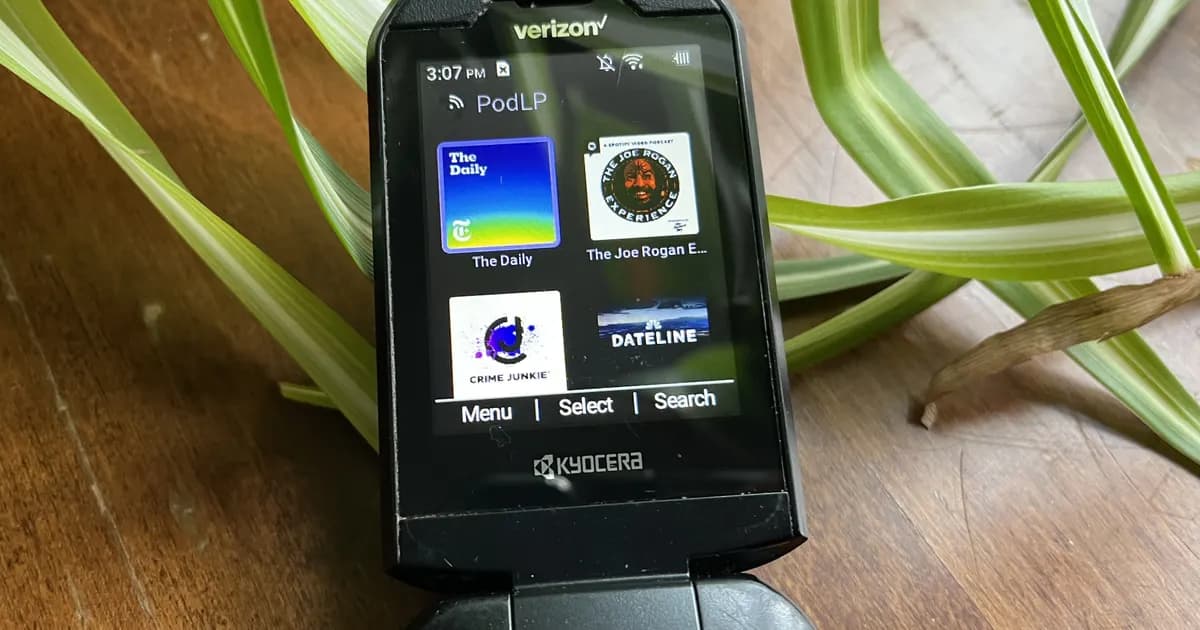
Recovered a hidden Kyocera flip-phone softkey API with Gemini 3 Flash in OpenCode
A hidden flip-phone API recovered for about five cents.

@embirico @OpenAI How I Used Codex to "Recover" Lost Source Code in 5 Days Ever lost your source code? It's a terrible feeling. Years ago, I built an Electron drawing app. Then I lost the source code. All I had left was the compiled version. I thought about rewriting it from scratch, but the
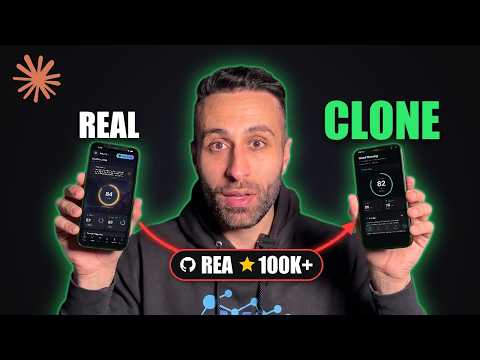
REA demo: rebuilding a compiled iPhone app's screen with and without REA
REA versus no REA, on rebuilding a compiled iPhone app's screen.

Used Codex to reverse engineer the Codex CLI and call GPT-5-Codex-Mini directly
Codex reverse engineers its own CLI to reach a model before its API launched.
Share the writeup or repo, and what the AI got right and wrong.
Related guides
Common questions
Yes. Decompile the APK with JADX or Apktool first, then let an agent read the output. Projects here used that approach to recover a hidden framework API and to document how companion apps talk to devices.
Electron apps ship their JavaScript in an app.asar archive. After extracting it, a model can follow code across modules even when it is minified. One project here rebuilt an author's own lost app as TypeScript this way.
JADX and Apktool for Android, asar extraction for Electron, and an MCP server such as REA when the app has native code that needs Ghidra, Hopper or IDA.