REA vs GhidraMCP vs IDA Pro MCP (and Binary Ninja MCP)
A factual comparison of the main MCP bridges between AI agents and disassemblers: what each connects to, licence, cost, setup and who has used them.
An MCP server lets a coding agent such as Claude Code or Codex CLI drive a disassembler: list functions, decompile, follow cross-references and rename things. This page compares the four bridges people ask about most, using their official READMEs and pricing pages as of 14 October 2026, and says which directory projects used each. There is no single best choice; the right one depends on which disassembler you have and what you are analysing.
Before you start
- The bridge is free; the disassembler may not be. All four servers are open source. Ghidra is free (Apache-2.0, from the NSA Research Directorate). IDA and Binary Ninja are paid for the editions these bridges need.
- Model costs are separate. You pay your model provider whichever bridge you use.
- These projects move fast. REA has published 31 npm versions since July 2026, and GhidraMCP's 2.0 release came out on 10 October 2026. Check each README for the current install command.
The comparison
| REA | GhidraMCP | IDA Pro MCP | Binary Ninja MCP | |
|---|---|---|---|---|
| Maintainer | morluto | LaurieWired | mrexodia | fosdickio |
| Connects to | Hopper, Ghidra or IDA, plus non-native analysers | Ghidra | IDA Pro | Binary Ninja |
| Bridge licence | MIT | Apache-2.0 | MIT | GPL-3.0 |
| Disassembler cost | Ghidra free; IDA and Hopper are commercial | Free | IDA Pro from €1,099/year (Essential); IDA Free not supported | Free edition has no plugins; Personal $199, Commercial $1,799 |
| Version needs | Node.js 22.19+, 24.11+ or 26+ | Ghidra 12.1.4; uv or Python 3.10+ | IDA Pro 8.3+ (9 recommended); Python 3.11+; idalib and uv | Python 3.12+; Binary Ninja version not stated |
| Headless | Not stated as such; starts Hopper when an operation needs it | Yes, via PyGhidra (Python 3.10 to 3.13) | Yes, via idalib | Not stated |
| Extras | JavaScript/Electron, .NET, Android APKs, firmware, packet captures and more | None listed | Debugger tools (opt-in) | Multiple open binaries |
| Clients named | Claude Code, Codex, Cursor, Gemini CLI, Grok Build | Claude Code and VS Code examples; "any MCP client" | 20+ clients, including Claude Code, Codex, Cursor and Gemini CLI | Auto-setup for Cline, Roo Code, Claude Desktop, Cursor, Windsurf, Claude Code, LM Studio |
| Setup | npx rea-agents setup | Ghidra extension zip, then add the server to your client | Plugin marketplace command per client; idalib activation | Binary Ninja Plugin Manager, then npx -y binary-ninja-mcp bridge |
| Repo created | April 2026 | March 2025 | March 2025 | March 2025 |
| Latest release seen | npm 6.4.0 (11 Oct 2026) | 2.0 (10 Oct 2026) | GitHub release 1.4.0 (Oct 2025); main branch still updated | v1.2.1 (Mar 2026) |
Rows come from each project's README; prices come from hex-rays.com/pricing and binary.ninja/purchase. Dates come from GitHub and npm.
REA
REA is one MCP server for many kinds of target. For native code it uses an existing Hopper, Ghidra or IDA install, and setup can install Hopper with your approval. It also covers JavaScript and Electron apps without any disassembler, .NET assemblies, Android APKs (with headless JADX and a JDK), firmware extraction (Binwalk or Unblob on Linux), packet captures and process behaviour. Several of these have platform limits: some analysers are Linux-only, and the README calls Windows Ghidra support experimental. It also documents 16-bit DOS analysis through Ghidra.
Setup registers REA with your agent and installs workflow instructions:
npx rea-agents setup
The rea.tools homepage shows npx rea-agents@latest setup. REA is the youngest of the four and releases often, so expect changes between versions.
Used in: DX-Ball reconstruction, Touhou 4 bullet patterns, Notion clipboard trace and the iPhone app demo.
GhidraMCP
GhidraMCP is a Ghidra extension plus a Python MCP server. Its README lists decompiling, renaming methods and data, and listing methods, classes, imports and exports. You install the release zip through Ghidra's File -> Install Extensions, enable GhidraMCPPlugin, and point your client at it (default localhost:8080). For Claude Code the README gives:
claude mcp add ghidra -- uvx --from git+https://github.com/LaurieWired/GhidraMCP ghidra-mcp --ghidra-server http://127.0.0.1:8080/
A headless mode imports and analyses a binary with no Ghidra GUI. The cost of the whole stack is zero, which makes it the usual starting point.
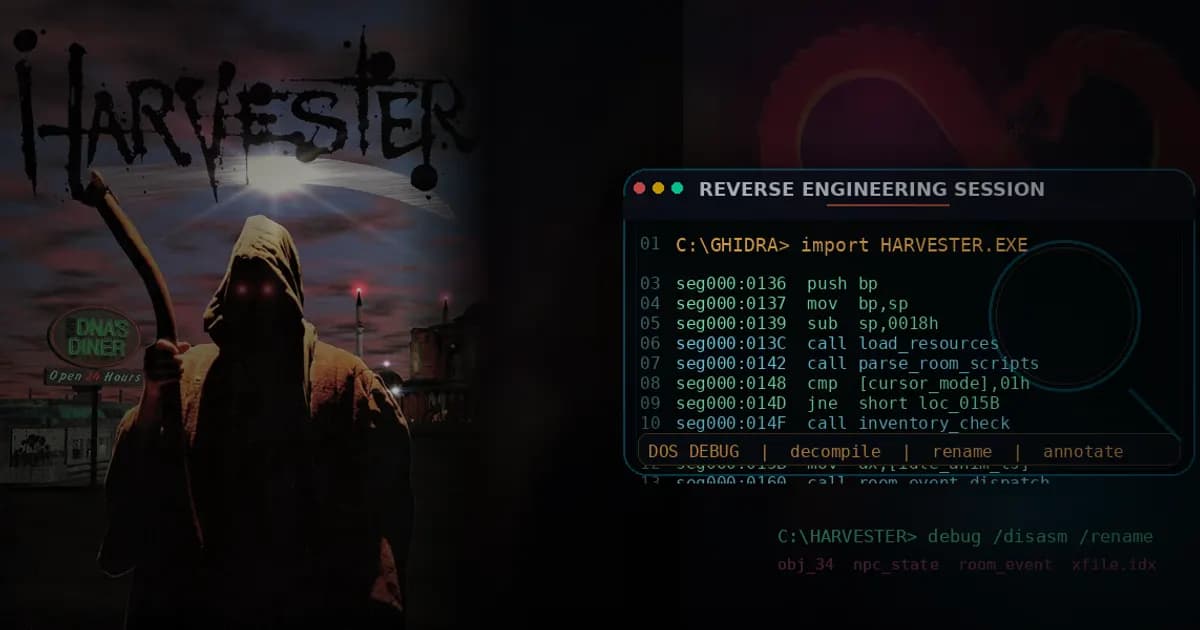
Note that "Ghidra MCP" is a name several projects share. The Masquerade port, Harvester and G DATA's malware lab used bethington/ghidra-mcp, a separate Apache-2.0 server whose README lists 209 tools. The agentic malware pipeline used its author's own headless Ghidra server.
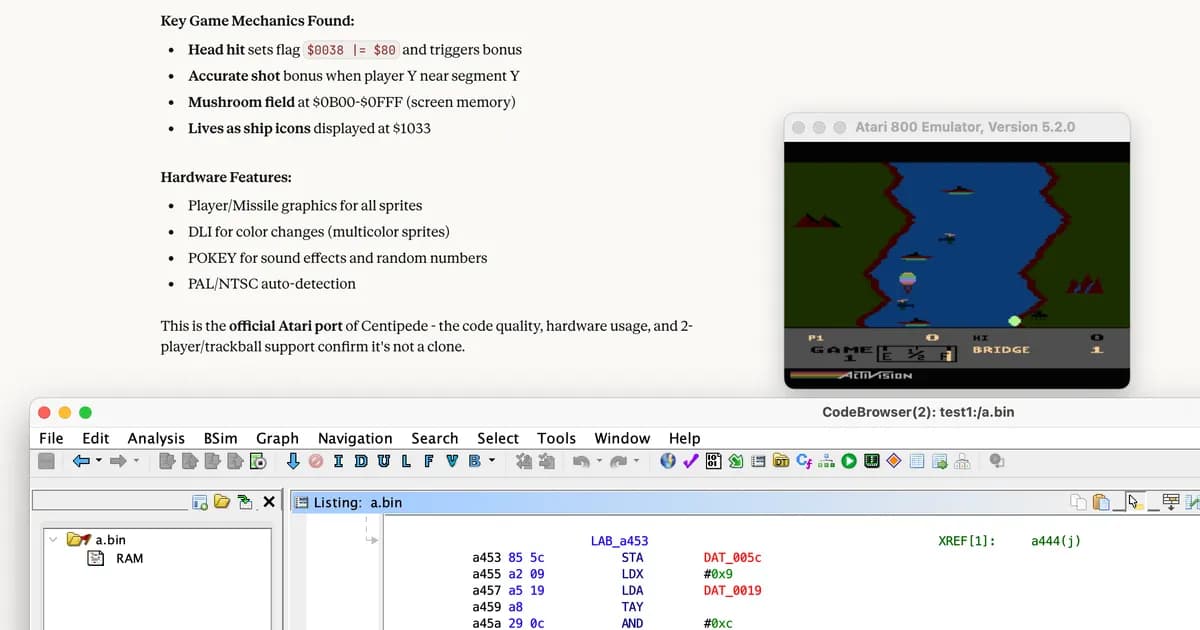
Used in: River Raid (LaurieWired's server, per Quesma), the CrackMe tutorial and OALabs' live session.
IDA Pro MCP
IDA Pro MCP connects IDA Pro to more than twenty MCP clients. It covers decompilation, disassembly, cross-references, renaming, types, patching and running Python inside IDA, with an opt-in debugger extension and a headless mode built on idalib. It needs IDA Pro 8.3 or newer, and the README says IDA Free is not supported. For Claude Code:
claude plugin marketplace add mrexodia/claude-marketplace
claude plugin install ida-pro-mcp@mrexodia
The README now recommends the official Hex-Rays IDA MCP server instead. Per Hex-Rays' getting-started page, that server needs IDA 9.4 or higher (IDA Home, IDA Pro or IDA Classroom) with idalib, Python 3.11+, Git and uv, and installs with uvx ida-hcli mcp install. IDA Home starts at $365 per year on the Hex-Rays pricing page, so the official server is the cheaper IDA route if Home fits your needs.
Used in: the FPS agent swarm, which per its write-up ran Hex-Rays' headless ida-mcp server, and OALabs' live session.
Binary Ninja MCP, briefly
Binary Ninja MCP is a Binary Ninja plugin that exposes the open binary over HTTP, plus a bridge for MCP clients. Install it from Binary Ninja's Plugin Manager, then configure your client with npx -y binary-ninja-mcp --host localhost --port 9009. Binary Ninja's purchase page says plugins work in every edition except Free, so you need at least the $199 Personal (non-commercial) licence.
Other Binary Ninja MCP servers exist, and directory projects don't always say which they used. World of Warships used "one of the MCP plugins" without naming it; the agentic malware pipeline used its author's own headless Binary Ninja server; Bishop Fox used Binary Ninja over MCP.
Check it works
Whichever bridge you pick, open a small binary you own or a CrackMe, then ask the agent to list the functions, decompile main or the entry point, and rename one function. Check the rename appears in the disassembler. If it doesn't, the server is likely reading but not connected to the instance you have open; check the host and port.
Where AI goes wrong
The bridge limits what the agent can fix by itself. In River Raid, Claude saw that the ROM was loaded at the wrong address but couldn't rebase it through the MCP tools, and couldn't write the patch either, so the author did both by hand. In Masquerade, when Ghidra stopped responding, Claude tried to write its own disassembler; the fix was an instruction to use Ghidra only. The IDA Pro MCP README warns that models struggle with number-base conversion and tells you to have them call its int_convert tool. More in Where AI goes wrong in reverse engineering.
Which to choose
- You have no paid licences, or you're learning: GhidraMCP. Free end to end, and most tutorials use Ghidra.
- You already own IDA Pro or IDA Home 9.4+: the official Hex-Rays IDA MCP server, or mrexodia's IDA Pro MCP on IDA Pro 8.3+. Both offer headless operation, which suits long multi-agent runs like the FPS swarm.
- You already use Binary Ninja (paid edition): Binary Ninja MCP, or another Binary Ninja server.
- Your targets are mixed (an Electron app, an APK and a native library, or captures): REA, which covers those in one server and can sit on top of whichever disassembler you have. Expect frequent releases.
- You are on macOS and want Hopper: REA is the only one of the four that drives Hopper.
Projects that use this
- River Raid: LaurieWired's GhidraMCP on an 8 kB ROM, limits included.
- DX-Ball reconstruction: Codex using REA's Ghidra access, checked against the original x86.
- FPS agent swarm: Hex-Rays' headless IDA MCP across many agents.
- Bishop Fox firmware decryption: Claude Code with Binary Ninja over MCP.
- Agentic malware pipeline: the same workflow on Binary Ninja or Ghidra backends.
- Harvester: Codex with a Ghidra MCP server on a DOS game.
Further reading
- Step-by-step setup: Getting started with REA, Set up GhidraMCP with Claude Code, Set up IDA Pro MCP
- REA on GitHub and rea.tools
- GhidraMCP and Ghidra
- IDA Pro MCP and the official Hex-Rays IDA MCP
- Binary Ninja MCP and Binary Ninja pricing
- Hex-Rays pricing
Sources checked for this guide
- github.com /morluto/rea
- rea.tools
- github.com /LaurieWired/GhidraMCP
- github.com /NationalSecurityAgency/ghidra
- github.com /mrexodia/ida-pro-mcp
- github.com /HexRaysSA/ida-mcp
- docs.hex-rays.com /core/mcp/getting-started
- hex-rays.com /pricing
- github.com /fosdickio/binary_ninja_mcp
- binary.ninja /purchase
- github.com /bethington/ghidra-mcp
- quesma.com /blog/ghidra-mcp-unlimited-lives
- momo5502.com /posts/2026-10-09-game-decompilation
- synthesis.to /2026/03/18/agentic_malware_analysis.html