Evidence at a glance
Based on the linked sources. The author's reported result and independent confirmation are separate checks.
- AI involvement
- Reported models: Claude Opus 5.5. Tools: uv, Claude Code, Claude Desktop, MCP. The writeup below describes the work attributed to AI.
- Reported result
- Works. This is the directory's source-based outcome classification.
- Independent confirmation
- Not reported.
- Human work and limitations
- The project uses a daemon process to manage pedal state, allowing multiple interfaces (CLI, app, AI) to share access. The AI agent's capabilities are restricted by design in certain modes to prevent unauthorized file system access.
Original sources
What was done
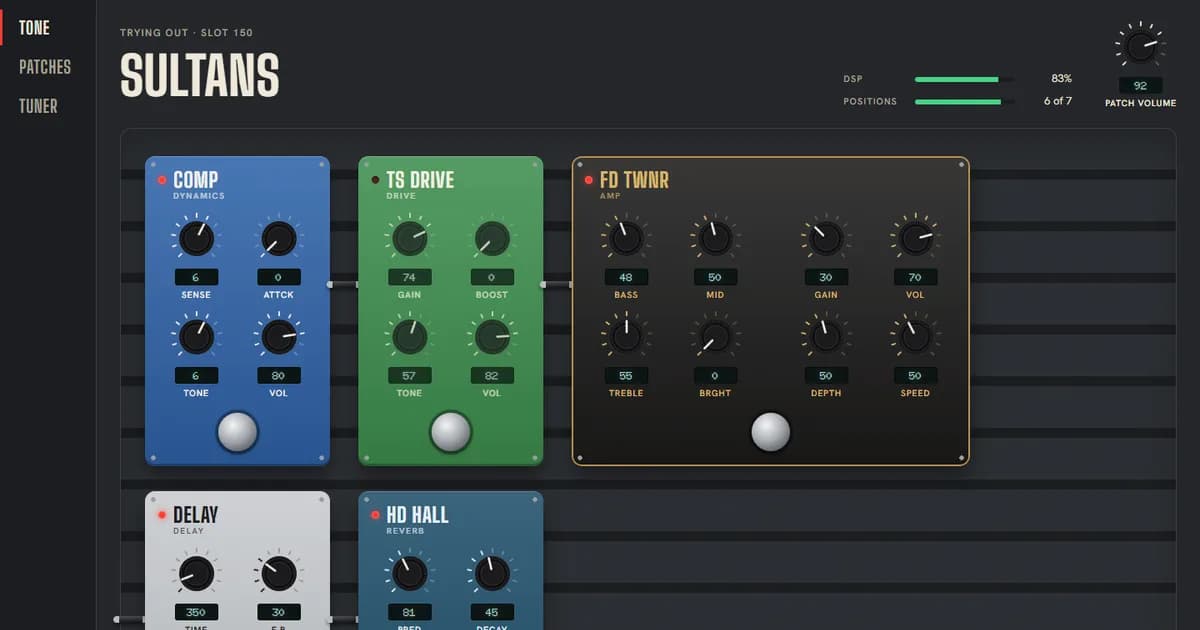
A toolset for controlling Zoom G3n/G3Xn pedals via USB-MIDI, featuring an AI agent plugin for natural language tone design and a desktop application for real-time patch management.
The cwoodard1121/zoom-g3xn-agent-skill project provides a suite of tools to build, edit, and audition patches for Zoom G3n and G3Xn guitar pedals. By communicating directly over USB-MIDI, the software bypasses proprietary tools like ToneLib or Guitar Lab. The project includes a command-line interface, a Python library, and an AI agent plugin compatible with Claude Code and other MCP clients. Users can design tones using natural language, perform live edits, and manage patch libraries. The AI agent can research rig configurations and translate descriptive requests—such as "less fizzy"—into specific knob adjustments. The system ensures safety by performing live edits on a designated scratch slot (default 150) and verifying writes byte-for-byte. Recent development commits document the integration of Claude Opus 5.5 as a co-author for features including stage lyrics, chord displays, and push-to-talk functionality. The project is limited to the G3n/G3Xn series and requires exclusive access to the MIDI port, necessitating the closure of other pedal management software during operation.
Reproduce it
Install dependencies using uv, clone the repository, and run `pip install -e .`. Ensure ToneLib/Guitar Lab are closed before connecting the pedal via USB. Use `g3xn audition <patch_file>` to test functionality.